
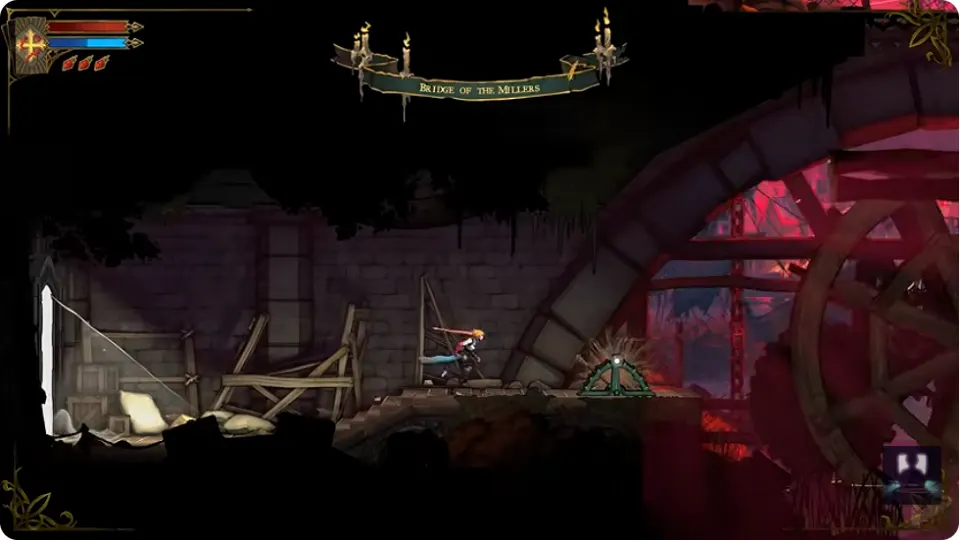
Use Custom Mode when you want to adjust difficulty or game balance. The official Castlevania account gives the same route from either the main menu or the in-game menu: Settings → Gameplay → Custom Mode.
For a shorter return after dying to a boss, the recorded Demo guide shows a separate option in the Gameplay settings: Allow respawn in front of boss doors.
Open Custom Mode
- Open the main menu or the in-game menu.
- Select Settings.
- Open the Gameplay tab.
- Choose Custom Mode and read the descriptions shown by your version before changing the balance.
The official post confirms the menu path and purpose. It does not list every adjustable value or state how changes affect achievements or save transfer, so those details are not assumed here.
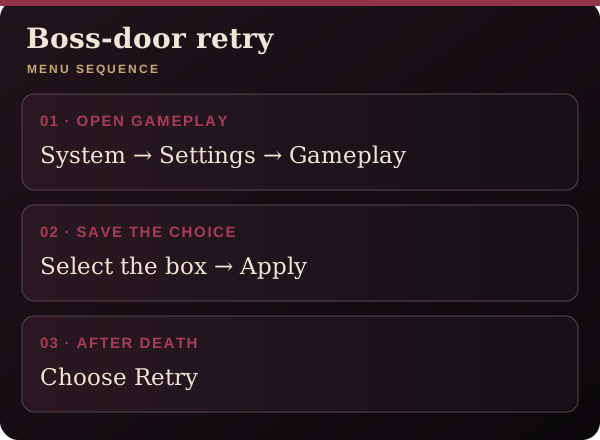
Change the boss-door restart setting
- Open Settings → Gameplay.
- Locate Allow respawn in front of boss doors and check its box.
- Use Apply the changes, then close the menu.
- After a death, choose Retry as described in the Demo guide.
The recorded Gameplay screens show the boss-door option alongside Custom Mode. Custom Mode is enabled in those examples, but the available evidence does not establish that enabling it is required on every build. Follow the labels and warnings displayed by your version.
Check the menu and restart choice
If you cannot find the option, confirm that you are in Gameplay rather than Accessibility or Controls. If your screen presents different controls, follow its labels instead of copying a controller button from a screenshot.
Check that the respawn box is selected and that you applied the change. GameTrek describes the last interacted mirror as the default restart point; the boss-door option is a separate setting.
Read The Fallen’s three-hit claw response for the attack covered by that guide.
Check Demo save-transfer conditions when preparing to continue in the full game.