
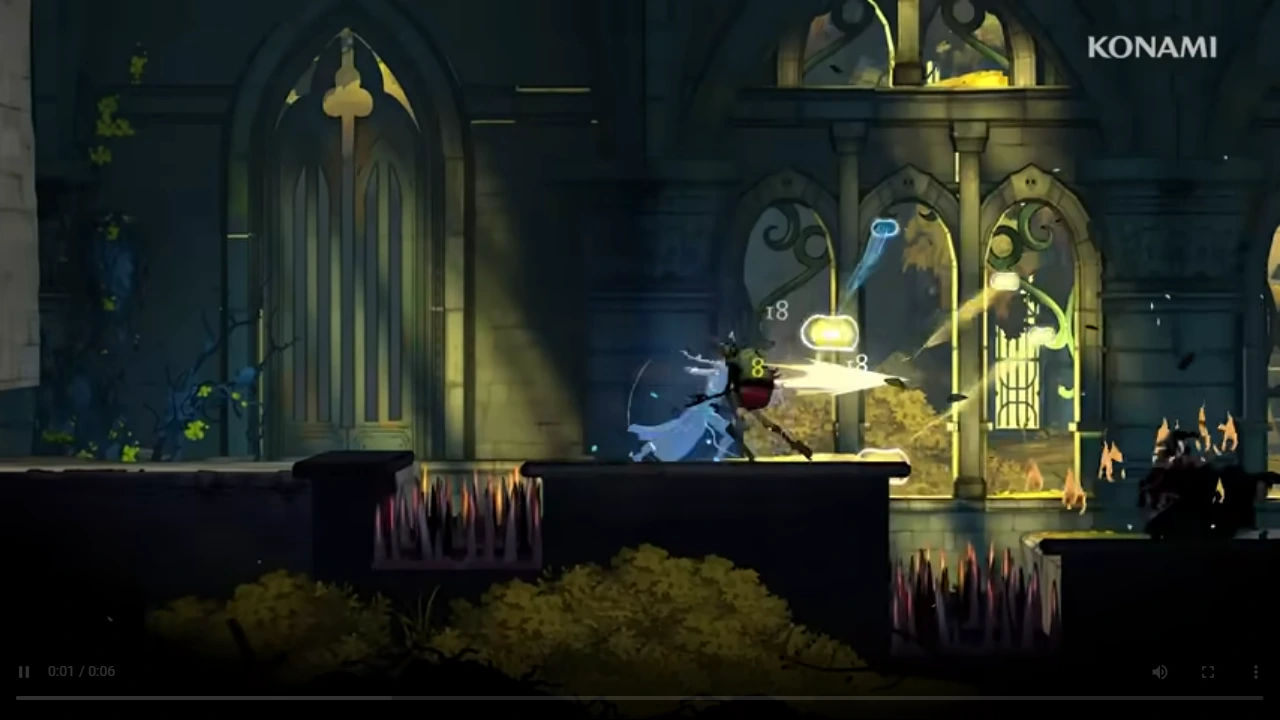
A real Belmont’s Curse mod ecosystem already exists, but most current tools target the Demo or a pre-release build. On Steam, BepInEx is the common loader for the documented plugin mods. Check each mod’s update date and stated build before installing it, then recheck compatibility after the October 15 full-game release or any patch.
Start with the compatibility decision
| Your situation | Current answer | Next action |
|---|---|---|
| Steam Demo | Several BepInEx plugins explicitly target the Demo | Back up saves, install the matching loader, then add one plugin at a time |
| Steam full game after launch | Compatibility is not established by a Demo label | Wait for the author’s full-game update or confirmation |
| Xbox or PC Game Pass | The current BepInEx page marks Game Pass as N/A | Do not follow the Steam file-path instructions |
| Console | No supported installation path is documented here | Treat these mods as PC/Steam tools |
Current mod types worth knowing
| Mod or tool | What it does | Current scope | Risk or limitation |
|---|---|---|---|
| BepInEx for Castlevania | Loads compatible plugins | Steam; author lists version 6.0.788 | Game Pass marked N/A; first launch may take longer |
| Skip Intro Logos | Skips startup logos | Author says it works on the Demo | Author also says a full-game update is still planned |
| Demo Unlocker | Opens the Demo past the second save point | Demo-specific listing | Changes the intended Demo boundary; not a retail route guide |
| Mod Menu Demo | Trainer-style combat, movement and progression controls | Explicitly built for the Demo | Can bypass progression and alter the normal play experience |
| Debug Mod | Debug, free-camera, map and speedrun tools | BepInEx plugin | Includes save, item and map operations that can disrupt normal progress |
| Cleaner Map | Hides the map’s shadowy borders for a clearer view | BepInEx plugin | Version compatibility must be checked after updates |
| Thai localization | Adds Thai-language support | Listed on Nexus for the current game | Language files may require updates when release text changes |
The current Nexus top list is the practical discovery page for the Demo Unlocker and Thai localization. Counts on dynamic Nexus pages can disagree across crawl times, so this guide lists verified examples instead of claiming a fixed total.
Install a BepInEx plugin on Steam
- Open Steam, right-click Castlevania: Belmont’s Curse, and choose Manage → Browse local files.
- Download the Belmont’s Curse BepInEx package from its mod page and extract its contents into the game root.
- Launch once and allow extra time for BepInEx to generate its proxy assemblies.
- Close the game, then place the chosen plugin file in the folder specified by that mod—commonly BepInEx\plugins.
- Start the game and verify the mod’s single intended feature before adding another plugin.
These steps follow the current BepInEx author instructions for Steam. A plugin’s own page takes priority when it specifies a different folder or dependency.
Protect your save and make failures reversible
Before using a trainer, unlocker or debug tool:
- Copy the save data to a separate backup location.
- Record the game build, loader version and mod version.
- Add one mod at a time so a failure has one likely cause.
- Avoid save-changing functions on a file you intend to transfer from the Demo.
- Remove the plugin and retest the unmodified game before blaming a patch or the base game.
The Debug Mod page warns through its own feature list that some item operations are broken, while the Demo Mod Menu can unlock mobility, inventory and progression. Those tools are useful for testing and experimentation, but they should not be presented as ordinary progression advice.
Recheck after launch or a patch
The full game releases on October 15, 2026. Any mod that says Demo, promises a future launch update, or relies on a specific loader build should be treated as version-sensitive.
For each update, check the mod’s latest file date, requirements, posts or bug reports, then confirm that the author explicitly supports your current build. This page will become a release-version directory only after those compatibility checks are available.